

Your receptionist gets an email that looks like it's from your bank. She clicks the link. Thirty seconds later, ransomware is encrypting your files.
That's how most breaches happen in Lincoln and Omaha businesses: not through some Hollywood hacker breaking your firewall, but through one employee clicking one bad link on a Tuesday morning.
Your staff aren't the weak link. They're your first line of defense. But only if they know what to look for.
Why Nebraska Businesses Can't Ignore Security Training Anymore
Manufacturing plants in Lincoln are dealing with supply chain phishing attacks. Medical clinics in Omaha are seeing credential harvesting attempts daily. Hotels across both cities get fake booking confirmations designed to install malware.
The threats aren't theoretical. They're operational problems that stop work, leak data, and cost money.
One compromised email account gives attackers access to:
- Your accounting software
- Customer records
- Banking credentials
- Employee payroll data
- Vendor communications
And it takes exactly one untrained employee to hand over the keys.
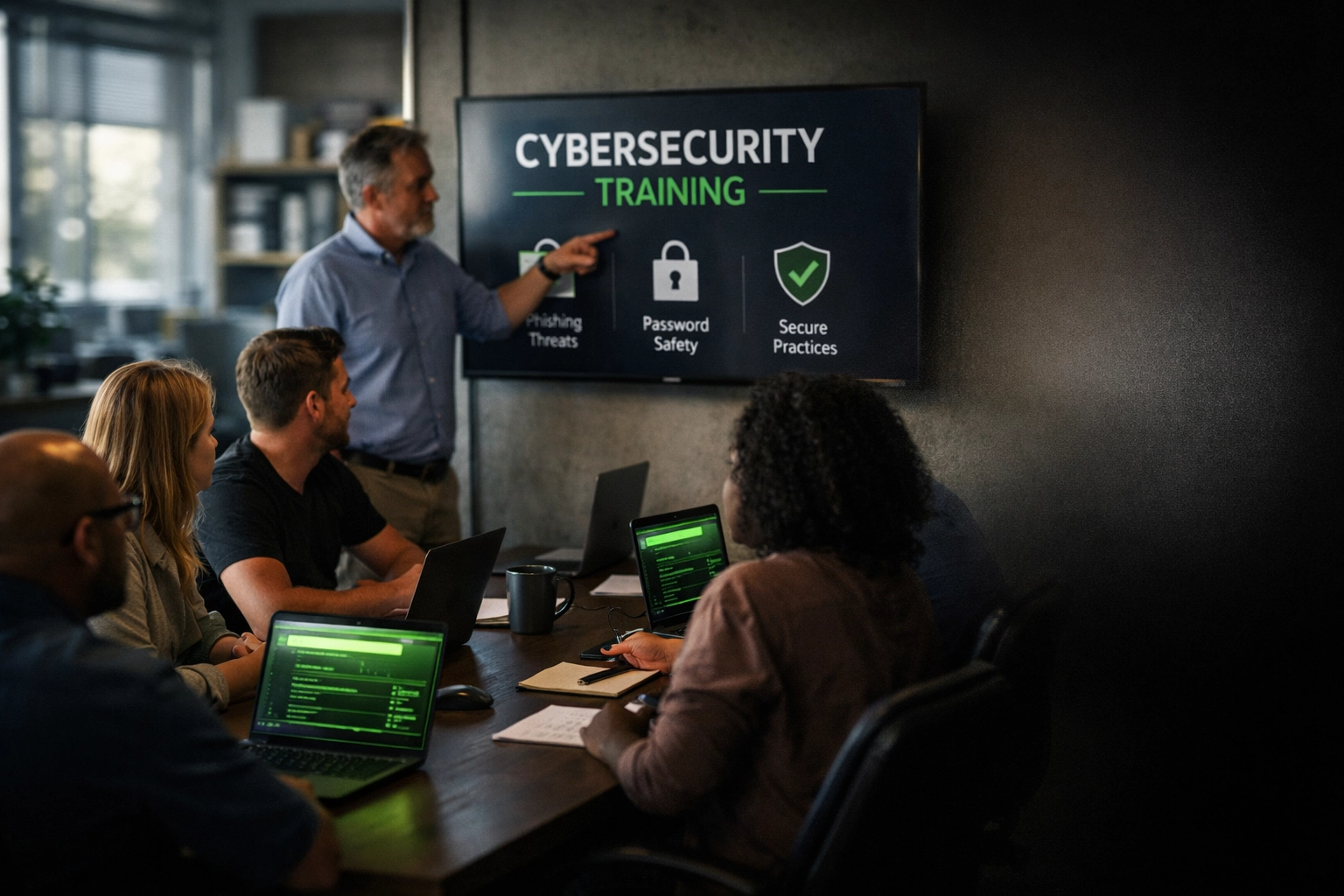
What Security Awareness Training Actually Does
Security awareness training isn't about turning your staff into IT experts. It's about teaching them to recognize the red flags before they click.
Real training covers:
Phishing recognition. Your team learns what fake emails actually look like. Not just the obvious "Nigerian prince" stuff: the sophisticated ones that spoof your vendors, banks, and internal teams.
Social engineering tactics. How attackers manipulate people into giving up information. Phone calls from "IT support." Urgent requests from "the CEO." Fake invoices from real vendors.
Password discipline. Why "Spring2026!" isn't a secure password. How credential reuse across sites creates cascading breaches. When and how to use multi-factor authentication.
Safe browsing and downloads. Which websites are risky. Why that "urgent software update" popup is probably malware. How to verify before downloading anything.
Mobile and cloud security. Your staff work from phones and tablets. They use cloud apps. Training needs to cover those attack surfaces too.
The goal isn't perfection. It's significantly better judgment when something looks off.
Training Options for Growing Businesses
You don't need a five-figure enterprise solution. You need something practical that fits how Nebraska businesses actually operate.
Self-Paced Online Training
Best for: Small teams, flexible schedules, tight budgets.
Your staff complete modules on their own time. Usually 3-4 hours total. Costs run around $45 per person.
Pros: No scheduling conflicts. Everyone goes at their own pace.
Cons: No interaction. No customization. Easy to rush through without real learning.
Virtual Instructor-Led Sessions
Best for: Mid-sized teams that want interaction without travel time.
Live training over Zoom or similar platforms. Real instructor answering questions in real-time. Runs $99-$175 per person depending on depth and certification level.
Pros: Interactive. More engagement than self-paced. Still flexible on location.
Cons: Everyone needs to block the same time. Less customized to your specific threats.
Onsite Private Group Training
Best for: Teams that need training built around their actual operations.
An instructor comes to your office in Lincoln or Omaha. Tailors examples to your industry. Incorporates your actual systems and workflows. One-day intensive format.
Pros: Fully customized. High engagement. Team learns together.
Cons: Higher upfront cost. Requires blocking a full day.
Most growing businesses in Nebraska start with virtual instructor-led training. It balances cost, flexibility, and actual learning without the overhead of coordinating a full onsite day.
What Your Team Needs to Learn (Without the Technical Jargon)
Effective training focuses on decision-making, not technical details.
Spotting Phishing Emails
Your staff need to recognize:
- Sender addresses that are almost right but slightly off
- Urgent language designed to bypass critical thinking
- Unexpected attachments or links
- Requests for credentials, payments, or sensitive data
- Poor grammar and formatting (but not always: attackers are getting better)
Real example: An Omaha clinic got an email that looked like it came from their EHR vendor. Same logo, same colors, slightly different domain. The link went to a fake login page designed to steal credentials.
Training teaches staff to hover over links before clicking. To verify unexpected requests through a different channel. To treat urgency as a red flag, not a reason to skip verification.
Understanding Social Engineering
Attackers don't just use email. They call. They show up. They exploit trust and authority.
Common scenarios:
- A caller claiming to be from IT asking for password resets
- Someone at the door saying they're there to service equipment
- A new "vendor" emailing an updated W-9 with different banking info
- An urgent text from "the owner" asking staff to buy gift cards
Your team needs to know: verify first, comply second. No legitimate request breaks if you take two minutes to confirm through official channels.
Password Security That Actually Works
Most security training focuses too much on password complexity and not enough on password uniqueness.
The real risk isn't a weak password on one account. It's the same password across ten accounts. When one site gets breached, attackers try those credentials everywhere.
Training should teach:
- Use a password manager (seriously, just use one)
- Enable multi-factor authentication on everything that offers it
- Never reuse passwords across work and personal accounts
- Recognize fake MFA requests designed to steal approval codes
Mobile Device Awareness
Your staff check email on phones. They access cloud apps from tablets. They connect to public Wi-Fi.
Training needs to cover:
- Why public Wi-Fi is risky and when to use a VPN
- How to recognize fake apps designed to steal data
- When it's safe to approve MFA requests on mobile devices
- What to do if a device is lost or stolen
How to Roll Out Training Without Killing Productivity
You don't need to shut down operations for a week. Here's the practical approach most Lincoln and Omaha businesses use:
Start with leadership. Get your managers and directors trained first. They set the tone and model the behavior.
Schedule in phases. Train departments one at a time over 2-3 weeks. Keeps operations running while everyone gets covered.
Use real examples. Pull actual phishing attempts your business has received. Make it relevant to your industry and location.
Run simulated phishing tests. After training, send fake (but safe) phishing emails to test retention. Track who clicks and who reports. No punishment: just additional coaching for those who need it.
Provide quick reference materials. One-page guides on "How to Spot Phishing" or "What to Do If You Click a Bad Link." Keep it visible and accessible.
Make reporting easy. Set up a simple way for staff to report suspicious emails. A dedicated email address. A Slack channel. Whatever fits your workflow.
Refresh annually. Threats evolve. Training needs to keep up. Annual refreshers keep awareness high and cover new attack methods.
The entire rollout: from leadership training to department sessions to simulated testing: takes 4-6 weeks for most mid-sized Nebraska businesses. After that, it's just ongoing monitoring and annual updates.
The Real Cost of Skipping Training
Here's what untrained staff cost Lincoln and Omaha businesses:
Data breach response: $50,000-$500,000+ depending on scale and industry. Includes forensics, legal fees, notification requirements, and credit monitoring for affected customers.
Ransomware recovery: $10,000-$100,000+ in downtime, lost productivity, and potential ransom payment (not that you should pay, but some businesses do).
Credential compromise: Hours of IT time resetting passwords, auditing access, and securing accounts. Plus whatever damage the attacker did while they had access.
Reputation damage: Harder to quantify but very real. Customers, vendors, and partners lose trust when your security fails.
Compare that to $45-$175 per person for training that significantly reduces your risk profile.
The math isn't complicated.
Getting Started This Month
If you're a growing business in Lincoln or Omaha and you haven't trained your staff on security awareness, here's your action plan:
Week 1: Identify your training format (virtual instructor-led is the sweet spot for most). Get budget approval.
Week 2: Choose a provider or partner with a managed IT provider who includes training. Schedule your first session.
Week 3: Train leadership and get their buy-in on rolling it out company-wide.
Week 4: Begin department-by-department training. Start with the teams that handle sensitive data: accounting, HR, operations.
Ongoing: Run quarterly simulated phishing tests. Track results. Provide additional coaching where needed. Schedule annual refreshers.
You don't need a massive security overhaul. You need your staff to recognize threats and know what to do when something looks suspicious.
That starts with training.
If your business in Lincoln or Omaha is dealing with slow systems, downtime, or unreliable IT support ( SAINT fixes it before it becomes a problem.)