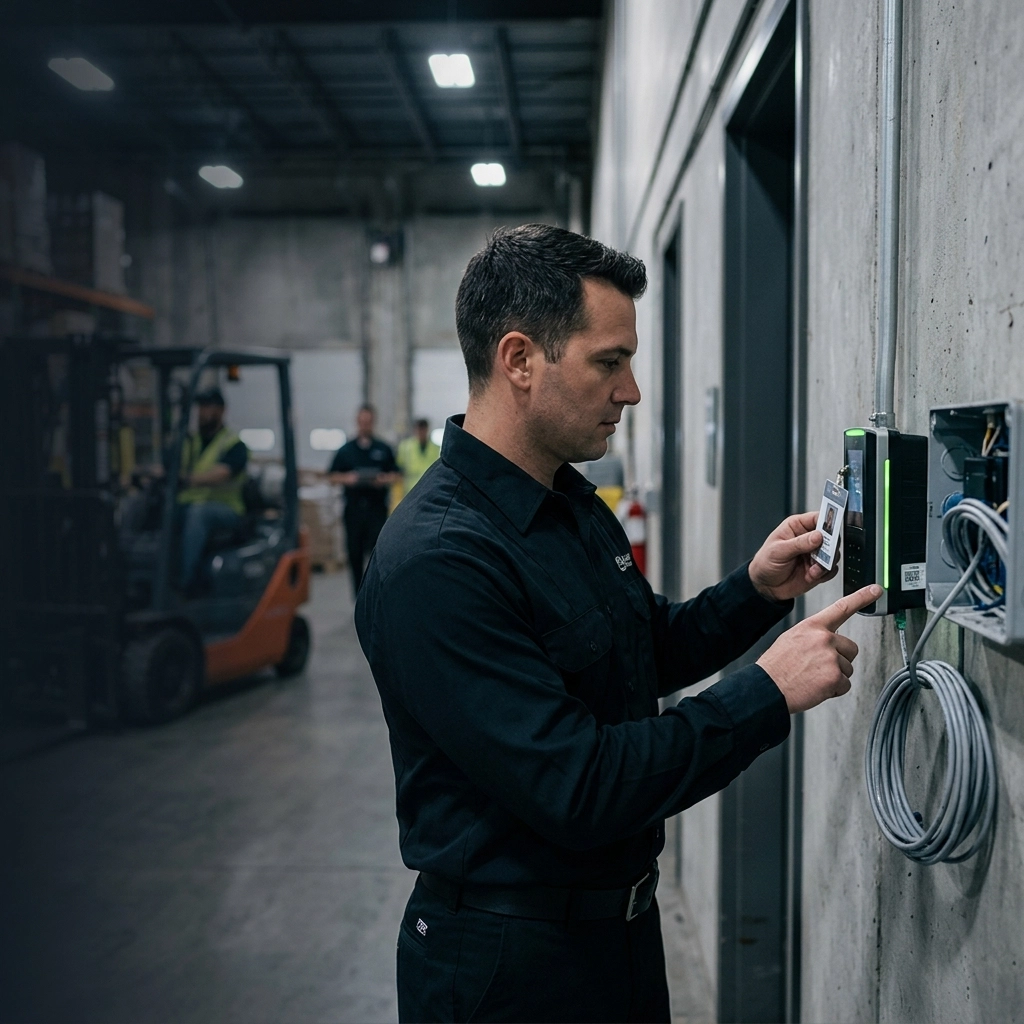
Nothing kills morning productivity faster than a line of frustrated employees stuck outside in the Midwest humidity: or worse, a Nebraska blizzard: because the front door won't unlock.
When your badge reader is not working at the office, it’s more than just a minor inconvenience. It’s a security gap and a major operational bottleneck. Most office managers treat access control like magic: it either works or it doesn’t. But when it fails, the "fix" is usually a frantic call to a locksmith who doesn't understand your network, or an IT guy who doesn't touch door hardware.
At SAINT Technology Services, we see access control differently. It’s not just a plastic box on a wall; it’s a critical endpoint on your network. If the reader is down, the system is broken.
Stop guessing why your badges aren't reading. Here are the 10 most common reasons your access control system is not working and the tactical steps you can take to fix them right now.
1. Inadequate Power Supply (The Silent Killer)
Electronic locks and badge readers are power-hungry. If your system was installed by someone looking to cut corners, they might have tapped into a power source that isn't pushing enough voltage.
Over time, power supplies can degrade. If the reader isn't getting a clean 12V or 24V (depending on the model), it might stay lit but fail to process the data from the badge.
- The Fix: Check the power controller in your IT closet. Look for blown fuses or "low battery" indicators on the backup system. If the reader is "chirping" or the lights are dim, you likely have a voltage drop issue.
2. Loose or Corroded Wiring
Your office door takes a beating. Every time that door slams, the vibration travels through the frame. Over months or years, the tiny wires connecting the reader to the control panel can wiggle loose. In the Midwest, moisture and temperature swings can also cause oxidation on the copper terminals.
- The Fix: Pop the security screw at the bottom of the reader and gently pull it off the wall. Ensure the wire nuts or terminal blocks are tight. If you see green "fuzz" on the wires, they need to be stripped back and re-terminated.
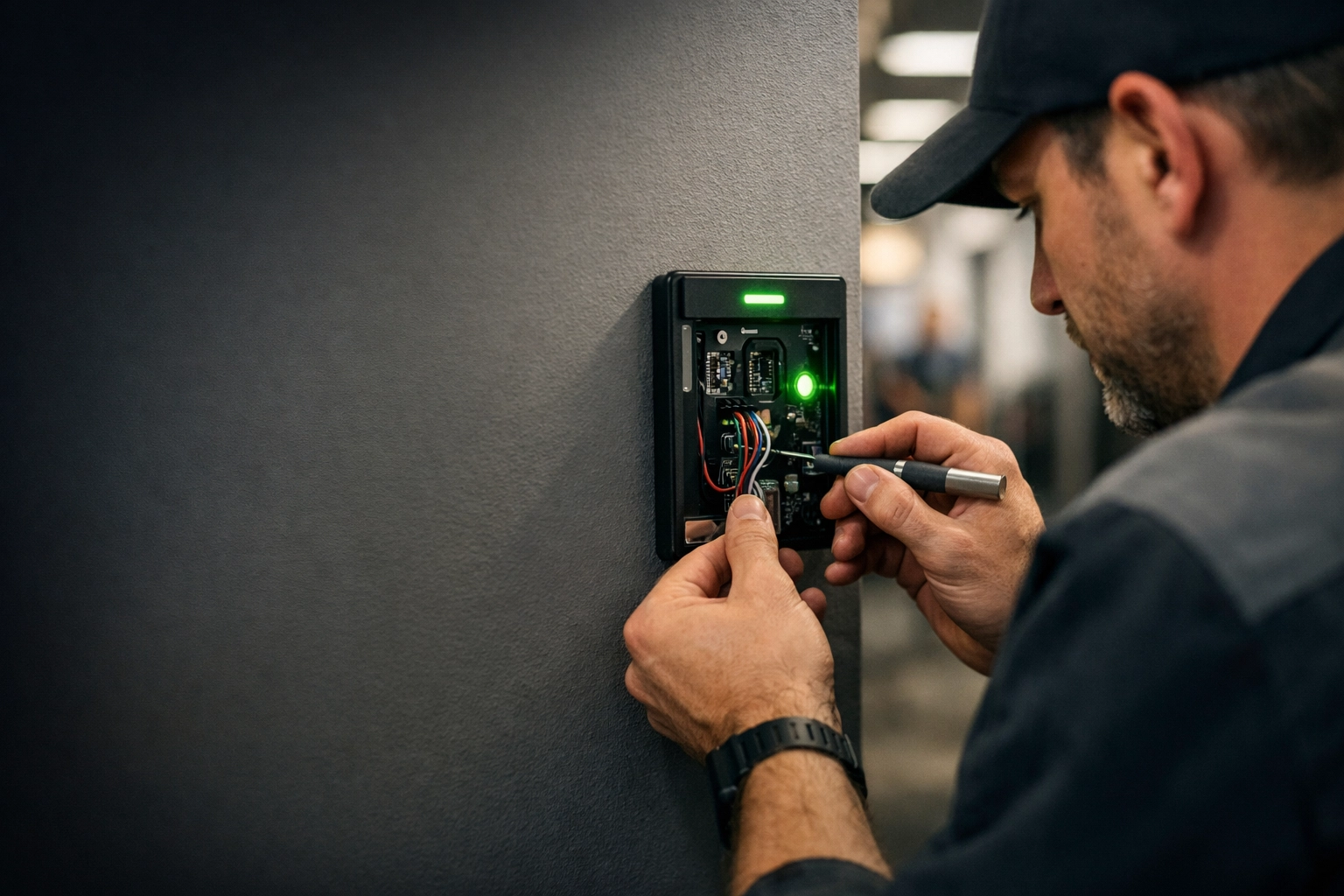
Caption: A professional technician inspecting the low-voltage wiring behind a commercial access control reader.
3. Metallic Interference (Mounting Mistakes)
If your badge reader is not working at the office and it’s mounted directly onto a metal mullion (the vertical bar between door panes), you might have a physical interference problem. Metal surfaces absorb the radio frequency (RF) energy that the reader uses to communicate with the badge. This significantly reduces the read range.
- The Fix: Use a plastic or wooden spacer (often called a "mullion mount") to create a 1/4-inch gap between the reader and the metal. This allows the RF field to project properly.
4. Electromagnetic Interference (EMI)
Modern offices are packed with electronics. If your badge reader is mounted on the opposite side of a wall from a high-power copier, a wireless router, or large fluorescent ballasts, the "noise" from those devices can drown out the badge signal.
- The Fix: Identify high-draw electronics near the door. If moving the device isn't an option, you may need a shielded cable for the reader or a reader that operates on a different frequency (like shifting from 125kHz to 13.56MHz).
5. Physical Badge Damage
Sometimes the problem isn't the wall: it's the pocket. Employees treat badges like credit cards, but the internal copper antenna is fragile. Scratches, cracks, or even keeping the card too close to a strong magnet (like a purse clasp) can demagnetize or snap the internal circuit.
- The Fix: Test the reader with a "Master" card or a known-working badge from another employee. If one person can get in and the other can't, the reader is fine; the badge is dead. Replace it and remind the team not to hole-punch their cards.
6. Improper Badge Orientation
Not all readers are created equal. Some require a "tap and hold," while others are proximity-based. If your staff is swiping the card too fast or holding it at a 90-degree angle to the reader, the sensor may fail to capture the full credential.
- The Fix: For contactless cards, hold the card flat against the reader for a full one-second count. If you are using mobile credentials (phones), ensure the Bluetooth or NFC settings are active on the device.
7. Dirty or Obstructed Sensors
In high-traffic environments, badge readers get gross. Oils from hands, dust, and outdoor grime can build up a film over the sensor. While most proximity readers can read through dirt, "swipe" or "insert" style readers will fail immediately if there is debris in the track.
- The Fix: Use a lint-free cloth and a tiny bit of isopropyl alcohol to clean the surface. Do not use harsh industrial cleaners that can cloud the plastic lens.

8. Outdated Firmware or Software Glitches
Your access control system runs on software. If your server hasn't been patched or the reader firmware is five years old, it may stop communicating with the newer badges you just ordered. This is a common issue when mixing old hardware with new security standards.
- The Fix: Log into your access control management portal. Check for "Offline" status alerts. Sometimes a simple "Soft Reset" of the door controller from the software side can force a re-sync and fix the issue.
9. Reader Collision (The "Proximity" Trap)
If you have a reader on the "In" side and a reader on the "Out" side of the same thin wall, they can interfere with each other. They are both screaming on the same frequency at the same time. This results in intermittent failures or very slow read times.
- The Fix: Ensure readers are offset. If they must be back-to-back, you need to install a piece of lead or specialized EMI shielding between them inside the wall to block the signals from overlapping.
10. Hardware Fatigue (End of Life)
Like any piece of electronics, badge readers eventually die. The internal antennas degrade, and the capacitors on the circuit board fail. If you’ve tried the wiring and the software, and the reader still won't beep, it's likely time for a replacement.
- The Fix: Don’t just buy the cheapest reader on Amazon. You need hardware that integrates with your existing controller. This is where a professional Access Control partner becomes essential.
How SAINT Solves Access Control Frustrations
At SAINT Technology Services, we don't believe in "Band-Aid" fixes. When an access control system is not working, we look at the entire ecosystem.
Is the network switch providing enough PoE (Power over Ethernet) to the controller? Is the firewall blocking the communication between your Omaha office and your cloud management suite? Most security companies only look at the lock. We look at the data.
We provide a converged approach:
- Assessment: We identify why the system failed (Wiring? Software? Vandalism?).
- Stabilization: We get your doors secure and your employees moving immediately.
- Management: We integrate your doors into your managed IT environment so we see a failure before your employees do.
If you are tired of juggling three different vendors just to get a door to unlock, it's time for one point of accountability.
FAQ: Troubleshooting Your Badge Reader
Q: Why is my badge reader blinking red but won't let me in?
A: A solid red light usually means the reader has power but the "Access Denied" command is being sent by the software. This is likely a permission issue or an expired credential, not a hardware failure.
Q: Can I fix a badge reader myself?
A: You can check for loose wires or dirt, but because these systems involve low-voltage electricity and security software, it’s best to have a professional handle the internal components to avoid "bricking" the controller.
Q: How long do badge readers typically last?
A: In a controlled indoor environment, a quality reader can last 10+ years. For outdoor readers in the Midwest, expect 5–7 years due to extreme temperature fluctuations.
Q: Why does my phone work as a badge sometimes and not others?
A: Mobile credentials rely on Bluetooth or NFC. If your phone is in "Power Save" mode or the app hasn't been opened recently, the signal might be too weak to trigger the reader.
Q: Does my internet need to be up for my badge reader to work?
A: It depends. Most professional systems (like those we install) have "local intelligence," meaning they store the user list on the door controller. If the internet goes down, the door still works. Cheap, cloud-only "DIY" systems will often fail if the Wi-Fi drops.
Serving Businesses in the Midwest
We provide expert IT and physical security support across the region, ensuring your infrastructure is as tough as the people who work there. We specialize in:
- Managed IT Services in Omaha, NE
- Access Control and Security in Lincoln, NE
- Network Infrastructure in Des Moines, IA
- Cybersecurity Consulting in Kansas City, MO
Related Services
If your business in the Midwest United States is dealing with slow systems, downtime, or unreliable IT support ( SAINT fixes it before it becomes a problem.)