
Most business owners in the Midwest, from the manufacturing hubs in Lincoln to the professional offices in Central City, think "Cybersecurity" is just another line item designed to drain their bank account. They see the headlines about ransomware and think they need a Fortune 500 budget just to keep the lights on and the data safe.
That’s a lie.
While high-level enterprise defense does require investment, there is a massive amount of "low-hanging fruit" that costs exactly zero dollars to implement. At SAINT Technology Services, we’re straight-shooters. We’d rather you have a solid foundation for free than have no foundation at all because you were waiting for a "better time" to afford it.
If you’re running a business in Nebraska or across the Midwest, here are five ways to improve your endpoint security today without spending a dime.
1. Stop Ignoring the Tools You Already Paid For
You don’t always need a fancy, third-party antivirus suite with a glowing green icon in your taskbar. If you are running Windows 10 or 11, you already have Windows Defender.
Ten years ago, it was a joke. Today, it’s a beast. For a small business, Windows Defender provides enterprise-grade protection against viruses, malware, and even some forms of ransomware. It’s built into the operating system, it updates automatically, and it doesn't slow down your machine like the bloatware of the early 2000s.
The Action Item: Make sure it’s actually turned on. Go to your settings, check "Windows Security," and ensure your "Real-time protection" is active. If you’re a Mac shop, ensure "XProtect" is doing its job and your firewall is toggled to 'On.' It costs nothing. It just takes five minutes of discipline.
2. Weaponize the "Update" Button
Hackers don't usually "break" into systems; they log in using doors that were left wide open. Those doors are called "vulnerabilities." When Microsoft, Adobe, or Google releases an update, they aren't just giving you new emojis, they are patching holes that hackers are actively using to get into businesses just like yours.
Procrastinating on updates is the single biggest security risk in the Midwest. Whether you are running a clinic or a warehouse, an unpatched machine is a liability.
The Action Item: Set a "Patch Friday" or enable "Automatic Updates" across every device in your office. This includes your browsers (Chrome/Edge) and your mobile devices. If a software update is available, it means the old version is officially "broken" from a security standpoint. Fix it for free by clicking "Install."
3. Implement the "Human Firewall"
Your staff is your biggest vulnerability, but they can also be your best defense. Phishing, those sketchy emails asking you to "reset your password" or "pay this invoice", is how 90% of breaches start.
You don't need a $10,000 training seminar. You need a conversation.
The Action Item: Sit your team down for 15 minutes. Show them what a real phishing email looks like. Tell them: "If it feels weird, call the person." If an "invoice" comes from a vendor but the email address looks slightly off, pick up the phone. A thirty-second phone call is a free security tool that prevents six-figure wire fraud.

4. Lock the Front Door with Free MFA
If you only have a password protecting your email or your accounting software, you don't have security. You have a suggestion. Passwords are stolen in data breaches every single day.
Multi-Factor Authentication (MFA) or Two-Factor Authentication (2FA) is the "one weird trick" that actually works. It requires a code from your phone or an app to log in.
The Action Item: Use the free version of apps like Duo Security or Microsoft Authenticator. Turn on MFA for your Microsoft 365 accounts, your banking, and your social media. It adds ten seconds to your login process but stops 99.9% of automated account takeover attacks.
5. Get a Free "Health Check" from the Pros
You don't know what you don't know. The Cybersecurity and Infrastructure Security Agency (CISA) offers free vulnerability scanning and testing services for small businesses. Additionally, tools like Qualys FreeScan can give you a quick look at your exposure.
These tools scan your network and tell you where the holes are. They won't fix them for you, that's where we come in, but they will give you a roadmap of what needs attention.
The Action Item: Run a basic scan. If the results look like Greek to you, that’s when you call a professional. But getting the information costs you zero dollars.
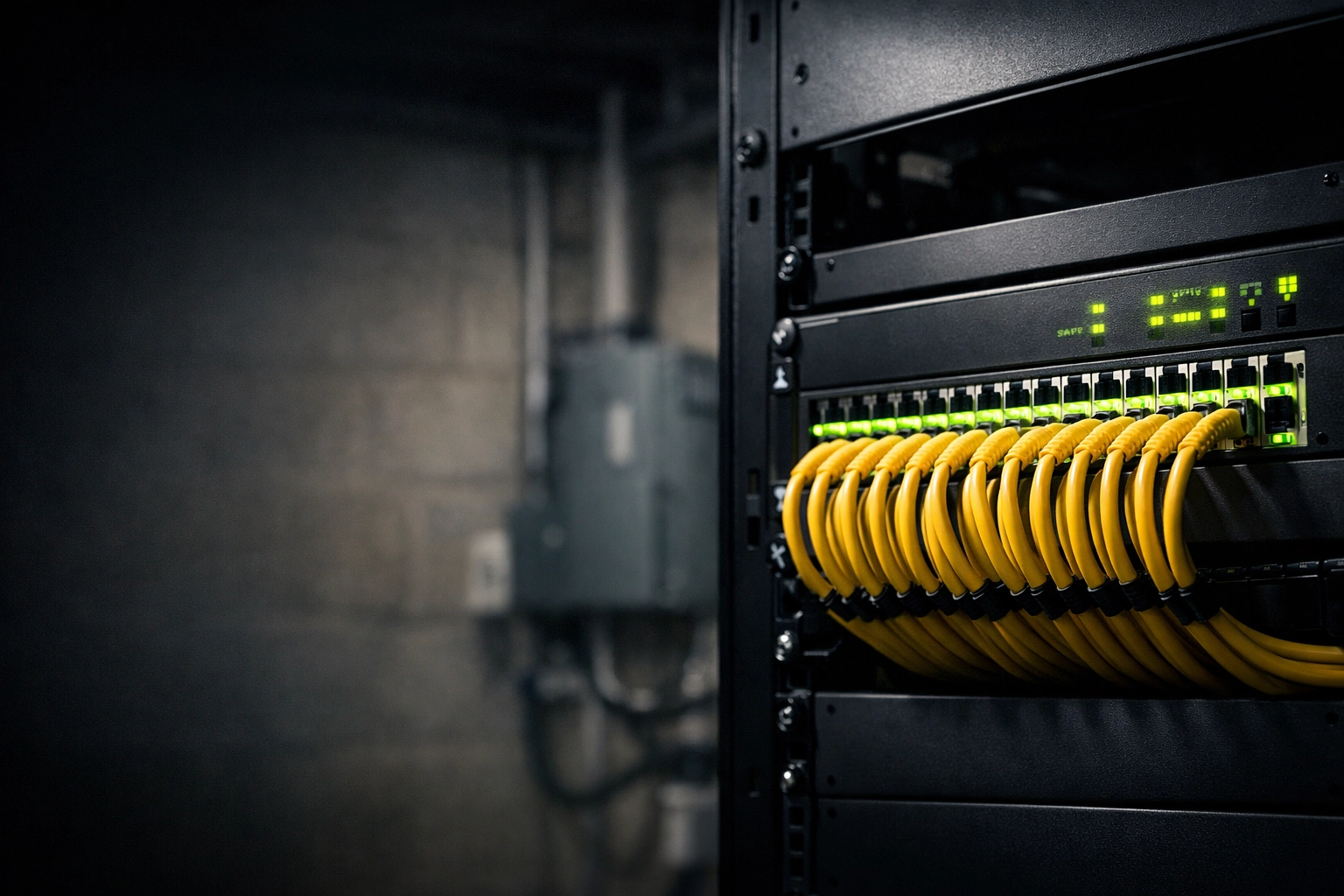
Subject-specific hardware: A close-up of a modern network switch with clean cabling, representing a solid technology infrastructure.
Why This Matters for the Midwest Business
We’ve seen it happen in Lincoln, NE and across the region: a business thinks they are "too small to be a target." They ignore the free stuff because it feels like a chore, and then they get hit with a $50,000 ransom demand.
At SAINT Technology Services, we believe in Converged Security. This means your IT support, your network, your access control, and your CCTV shouldn't be four different headaches from four different vendors. They should be one cohesive system.
When your technology infrastructure is designed correctly, these "free" security moves are baked into the DNA of your business. We don't just "manage IT"; we own the accountability for your entire technology footprint.
Related Services:
- Managed IT Services: Proactive management that handles the updates so you don't have to.
- Cybersecurity Services: Moving beyond the "free" stack into active threat hunting and defense.
- Physical Security: Converging your digital locks with your physical ones.
Serving Businesses in the Midwest:
We provide boots-on-the-ground support and high-level strategy for businesses in:
- Lincoln, NE
- Omaha, NE
- Central City, NE
- Grand Island, NE
- Des Moines, IA
- Kansas City, MO
How SAINT Solves This
We aren't your typical "ticket-takers." We don't wait for you to call us when things are broken. We stabilize your environment, optimize your infrastructure, and manage it with military precision.
By converging your IT and physical security (Access Control and CCTV), we eliminate the gaps that traditional MSPs leave wide open. One vendor. One point of accountability. No excuses.
If your business in the Midwest United States is dealing with slow systems, downtime, or unreliable IT support , SAINT fixes it before it becomes a problem.
FAQ: Free Security for Small Businesses
Why is Windows Defender enough for some businesses but not others?
Windows Defender is a great "baseline." However, it lacks the centralized monitoring and "EDR" (Endpoint Detection and Response) capabilities that larger businesses or regulated industries (like medical or finance) need to satisfy insurance and compliance requirements.
Is free antivirus actually safe?
Generally, yes, if it’s from a reputable source like Microsoft or AVG. However, many "free" tools sell your data or nag you with annoying pop-ups. Stick to the built-in Windows security features to avoid the clutter.
How do I know if my email has been hacked?
You can use free tools like "Have I Been Pwned" to see if your business email has been part of a public data breach. If it has, change your password and enable MFA immediately.
What is DMARC and is it really free?
DMARC is a technical setting in your email's DNS records. It prevents hackers from sending emails that look like they came from your domain. Setting it up is free, but it requires some technical knowledge to do it without accidentally blocking your own emails.
Can I secure my business WiFi for free?
Yes. At a minimum, ensure you aren't using a "hidden" network (which is actually less secure) and that you are using WPA3 encryption if your hardware supports it. Also, never let guests on your main office network: set up a separate "Guest" network immediately.
Why shouldn't I just do all my IT myself if it's free?
You can do the basics for free, but you can't monitor them 24/7/365 for free. A professional MSP like SAINT provides the "eyes" on the system. We ensure that when a "free" tool fails, someone is there to fix it before your business stops.